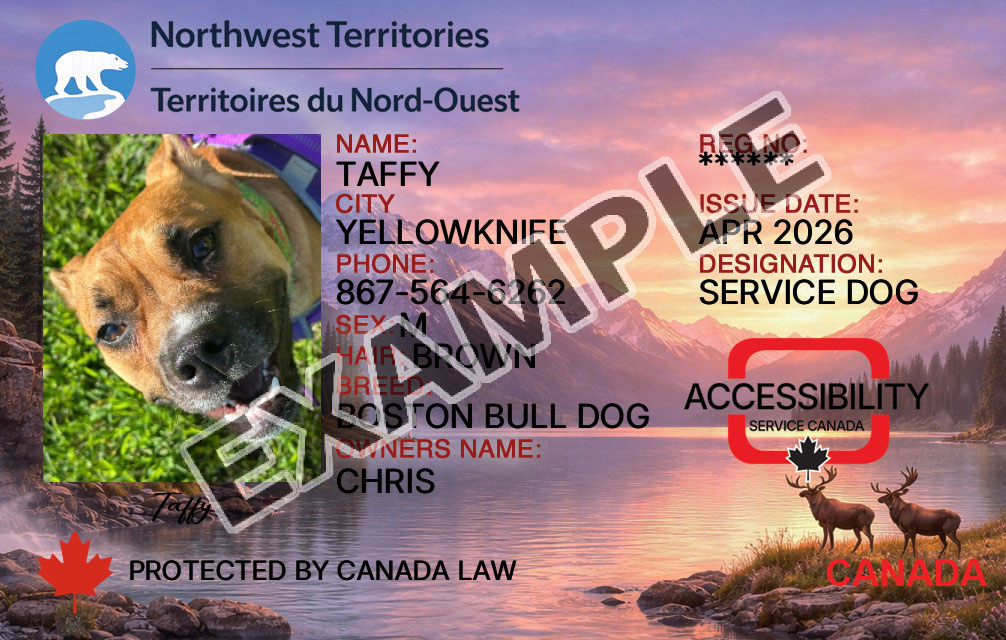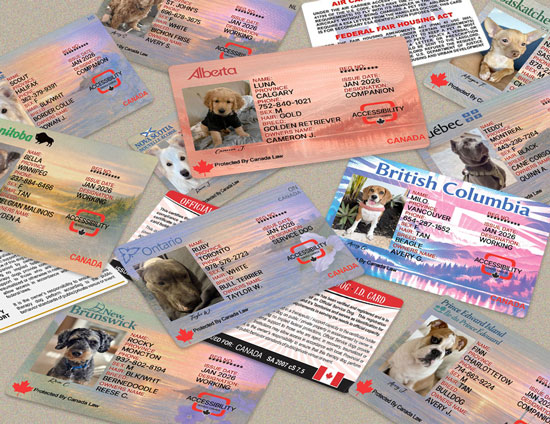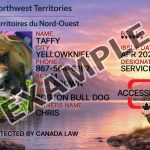
Northwest Territories Dog Registration Card

$35.00

Scroll Below For Instructions

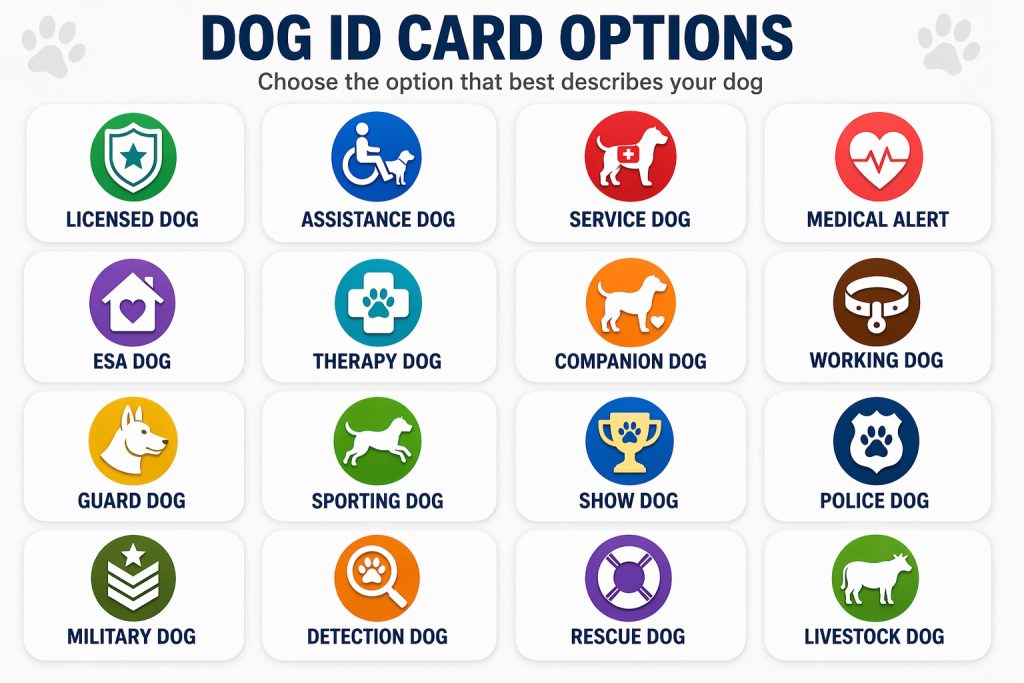
The designation you select will appear on your card. (you can change this anytime in your dashboard)

Upload A photo of the owner or of your dog, (optional) If left blank we will use our default dog outline.

(max file size 10 MB) Clear

We will automatically assign a registration number for your card. (Unless you want to use your own from another registry)

We will send you a digital copy of your ID Card to your email while you are waiting for your physical card to arrive.

Additional information

Canada Provinces

Alberta, British Columbia, Manitoba, New Brunswick, Newfoundland and Labrador, Nova Scotia, Ontario, Prince Edward Island, Quebec, Saskatchewan, Northwest Territories, Nunavut, Yukon

Everything in One Place—Simple, Secure, Accessible

Back Of Card

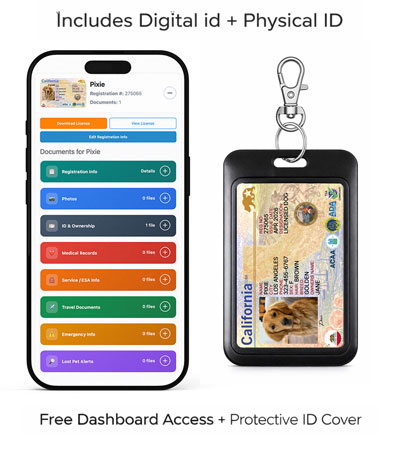
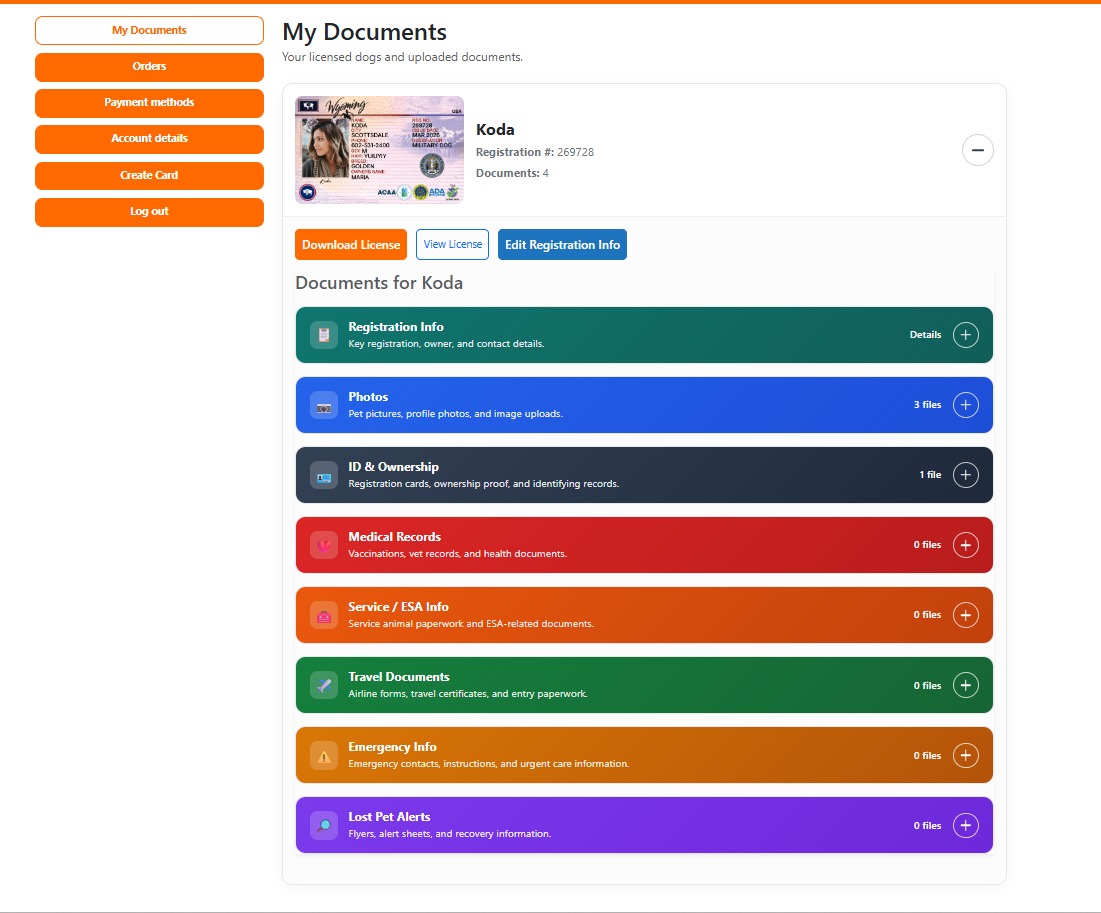
Get full access to your personal dashboard

  • Store vaccination records, rabies certificates, and medical history
  • Save microchip details, contact info, and photos
  • Upload and manage documents anytime
  • Instantly share records via email or QR scan

More Than an ID—A Complete Organization & Protection System

This isn’t just a card—it’s a powerful system designed to keep your dog:

  • Organized
  • Easily identifiable
  • Protected in any situation

Instant Access with Smart QR Technology

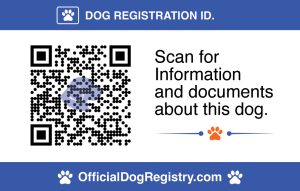
Every card includes a unique QR code on the back of your card

When scanned, it instantly displays your dog’s secure profile with:
  • Medical records
  • Share & Store vaccination
  • Owner contact information
  • Identification details
  • Photos and documentation
  • Upload and organize all your dogs documents
  • Share any document anytime
  • Lost dog protocols
  • Qr Code control (yes you have control)

Perfect for Everyday Situations

    • Emergencies (lost dog protocol)
    • Travel & airports
    • Housing verification
    • Restaurants & public access
    • Groomers, daycare, and boarding
    • Lost & found situations
Official Dog Registry Dashboard Sneak Peak

How to Create a Card on OfficialDogRegistry.com


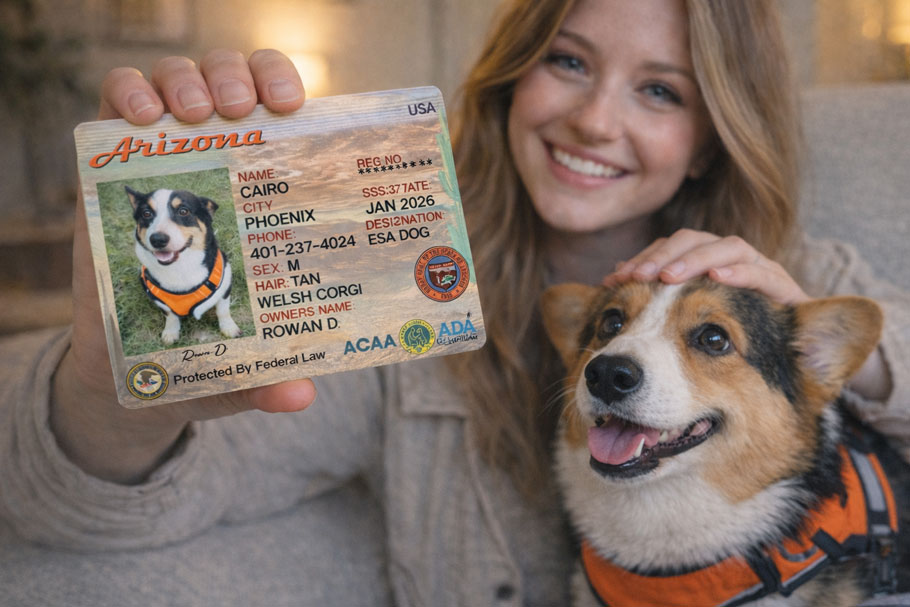
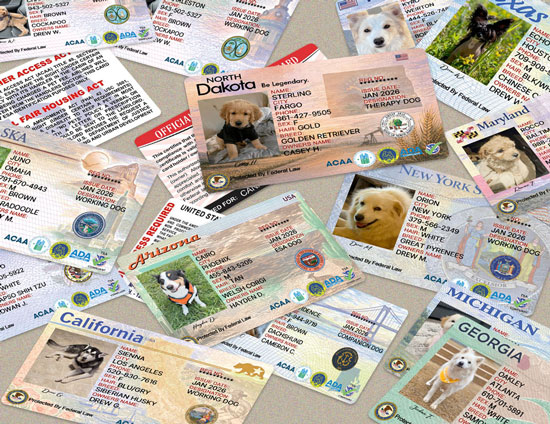
 STEP 1: Choose Your State Card

  • Select the state design you want (Arizona, California, etc.)
  • This determines the look/style of your card

STEP 2: Enter Dog Information

Fill out the required fields:

  • Designation of your dog
  • Dog’s name
  • Breed
  • Color
  • Gender

👉 This is what appears on the front of the card


 STEP 3: Enter Owner Information

  • Your name
  • Phone number
  • Email : Only to send you the digital version while the physical card is enroute. (Ships in 24–48 hours)
  • This is also critical for lost dog recovery

STEP 4: Upload Dog Photo

  • Upload a clear image of your dog
  • Best results:
    • Front-facing
    • Good lighting
    • No cluttered background

Remember to click the preview button to verify the data you entered.


STEP 5: QR Code (if included)

  • Your system generates a QR code automatically
  • This links to:
    • Dog profile
    • Documents
    • Contact info for lost dog

🛒 STEP 6: Add to Cart

  • Review all details
  • Click Add to Cart
  • Proceed to checkout

📦 STEP 7: After Purchase

You’ll get:

  • Physical ID card shipped
  • Access to digital dashboard
  • Ability to:
    • Upload documents
    • Edit profile
    • Manage dog info & Much More...